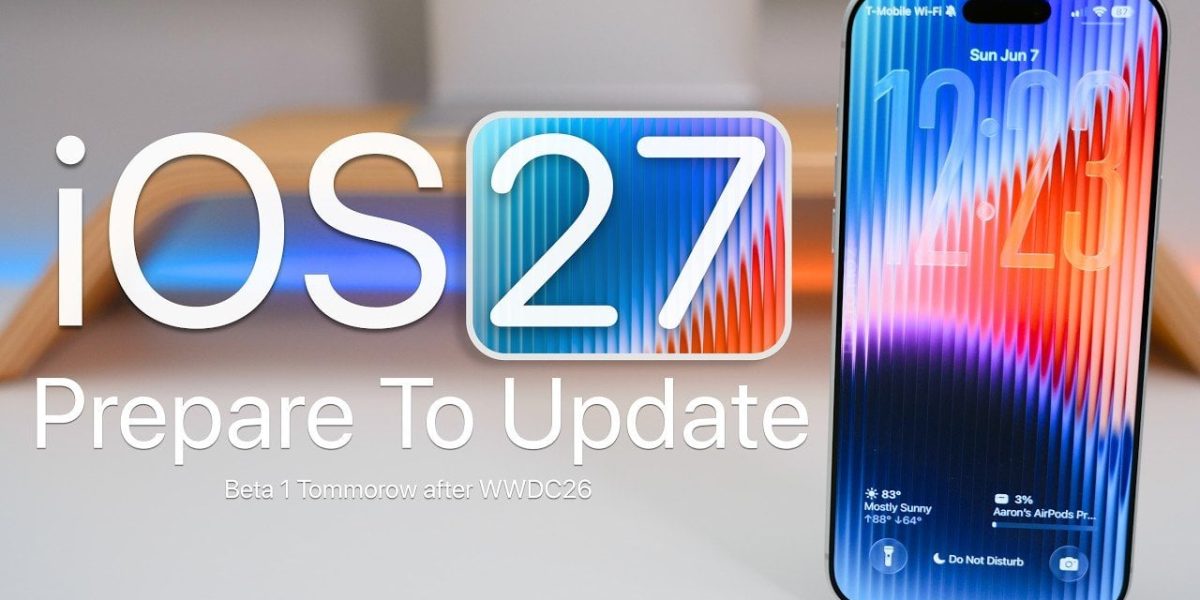
iOS 27: What You Need to Know Before Downloading
Apple’s WWDC 2026 is just around the corner, and with it comes the highly anticipated iOS 27 update. If you’re planning to download it, there’s one crucial step you should take beforehand: preparing your iPhone.
As exciting as iOS 27’s promises of improved performance, enhanced AI capabilities, and a revamped user experience may sound, upgrading your device isn’t as straightforward as simply clicking “update.” Apple has made it clear that this version will require a minimum of 6GB of free space on your iPhone.
But space isn’t the only thing you should worry about. Apple has also mentioned that iOS 27 will introduce new system requirements, including an updated Neural Engine and a more powerful GPU. These changes are designed to take advantage of AI-driven features, but they can also be a challenge for older devices.
The Impact on Your iPhone
According to Apple, iOS 27 is designed to work seamlessly with the latest iPhone models, including the latest series of iPhones with the A16 Bionic chip. However, older devices like the iPhone 13 and earlier may not be compatible with all the new features, and some may even experience performance issues.
Preparing Your iPhone
So, what can you do to prepare your iPhone for the iOS 27 update? Here are a few recommendations:
Backup your data: Start by backing up your iPhone data using iCloud or iTunes. This will ensure that your important files, photos, and messages are safe in case something goes wrong during the update process.
Free up space: Make sure you have at least 6GB of free space on your device. You can do this by deleting unnecessary files, photos, and apps.
Check your device’s compatibility: Before downloading iOS 27, check Apple’s website to see if your device is compatible with the new features. If you’re unsure, it’s always better to err on the side of caution and wait for further updates.
What this means: Before downloading iOS 27, take the time to prepare your iPhone by backing up your data, freeing up space, and checking compatibility. This will ensure a smooth update process and help you make the most out of the new features.