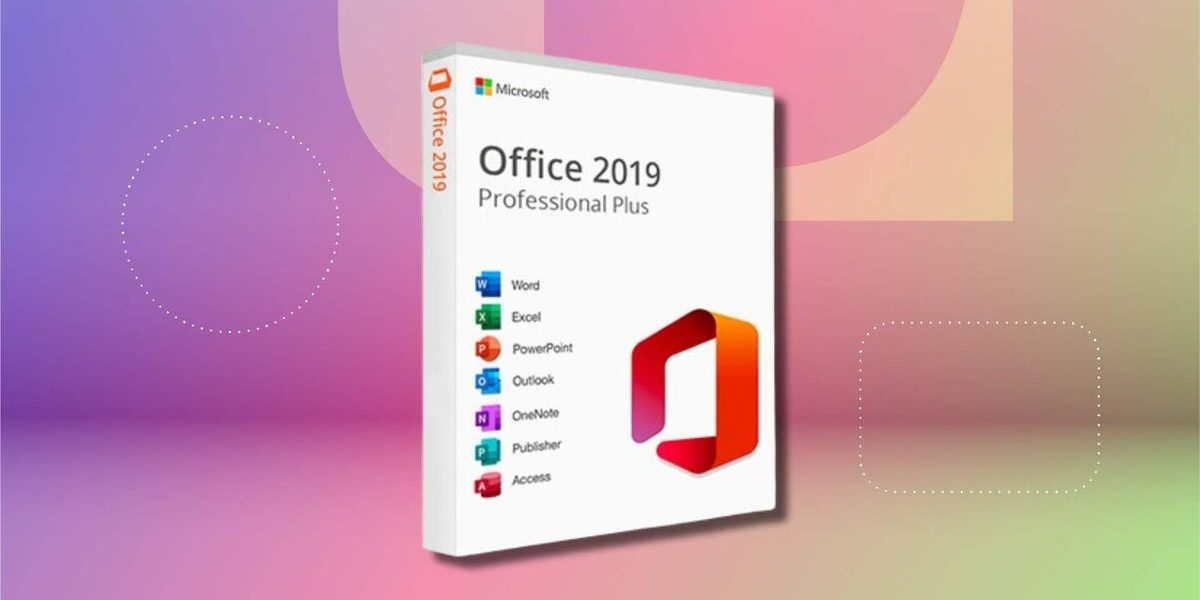
Microsoft is about to cut off a key feature for Office 2019 on Mac, rendering it unusable for editing or creating files as of July 13.
The Expiration Date
The company’s blame is an expiring digital certificate, which is a cryptographic component that verifies the authenticity of software. This certificate, known as a TLS certificate, was issued by DigiCert, a leading digital certificate authority. It expired on June 1, and Microsoft has not obtained a new one.
Microsoft’s decision to let these certificates expire has resulted in the Office 2019 apps for Mac losing the ability to access the DigiCert Global Root G2 certificate. This certificate is necessary for Office to communicate with Microsoft’s servers and access various online services, including OneDrive and SharePoint.
A Read-Only Solution
Users of Office 2019 on Mac will still be able to view existing files, but they won’t be able to edit, create, or save new ones. This essentially makes Office 2019 a read-only document viewer, a significant limitation for those who rely on it for productivity and collaboration.
The inability to edit or create files will not only affect individual users but also organizations that use Office 2019 across their Mac fleets. This could lead to disruptions in workflow, delayed project timelines, and additional costs for software upgrades or migrations.
What This Means
If you’re still using Office 2019 on your Mac, it’s time to start planning an upgrade or migration to a newer version of Office, such as Office 365 or Microsoft 365. This will not only resolve the issue with the expired certificate but also provide access to newer features, security updates, and cloud collaboration capabilities.